Care You Can Trust, Comfort You Can Feel.

How EVV Works: Everything You Need to Know

Simple instructions for clocking in and out, recording duties, correcting missed punches, and following Select Home Care Services' Electronic Visit Verification requirements.

Electronic Visit Verification (EVV)

Electronic Visit Verification, commonly called EVV, digitally records important information about each authorized home care visit, including:

  • The delivery of designated care services by a Select Home Care Services employee
  • The date and time the service visit begins and ends
  • The client receiving care
  • The activities and duties performed during the visit

All Select Home Care Services employees and service providers must use an approved system that meets EVV requirements.

Accurate Visits.
Accurate Payroll.

Clock in and out at the approved location for every scheduled shift.

01

Mobile Application

Preferred method: clock in and out using the HHAeXchange Mobile Application with location services enabled.

02

IVR Telephony

Use the client’s authorized landline and follow the clock-in and clock-out instructions below.

03

Key Fob Entry

Use only when an approved key fob has been installed in the client’s home. This is the least
preferred method.

EVV System: Select Home Care Services uses HHAeXchange for Electronic Visit Verification.

HHAEXCHANGE TELEPHONE NUMBER FOR CLOCKING IN AND OUT

866-915-0666

How to Clock In and Clock Out

How to Clock In

1

Call 866-915-0666 from the client's authorized telephone number. Only entries made from an approved telephone line will be accepted. For help confirming an authorized number, contact Select Home Care Services at (215) 725-2496.

2

Press 1 when prompted to CLOCK IN.

3

Enter your assigned Assignment ID.

4

Listen carefully while the recording repeats the number you entered and confirm that it is correct. If it is incorrect, follow the prompt to enter it again.

5

When the EVV is successfully activated, you will hear:

“Your call has been successfully registered.”

How to Clock Out

1

Call 866-915-0666 from the client's authorized telephone number.

2

Press 2 when prompted to CLOCK OUT.

3

Enter your Assignment ID and employee clock-in/clock-out PIN when prompted.

4

Listen to the recording and confirm the information entered.

5

When prompted, enter the Duty ID for the first duty performed. Duty IDs may contain two or three digits.

6

Enter each additional Duty ID. To record a duty the client refused, enter an asterisk (*) followed by the Duty ID.

7

After entering all duties, dial 00 or 000 to complete the EVV. You will hear:

“Your call-out has been successfully registered. Goodbye.”

Important: Clock in and out only from the client's approved phone number or through the HHAeXchange mobile app at the GPS-approved service location.

Select Home Care Services Clock-In Policy

All employees must clock in and clock out for every scheduled shift.

Employees must notify Select Home Care Services before making any changes to their approved schedule.

Telephone clock-ins and clock-outs must be completed from the client's authorized telephone number.

Employees may not use a personal telephone for IVR punching. A personal mobile phone may only be used through the HHAeXchange app with location services enabled.

Clock-in and clock-out activity must occur at the approved service location.

Any missed clock-in or clock-out must be corrected using a fully completed Timesheet form signed by the client and employee.

Late, missing, unapproved-location, or unapproved-number punches may generate compliance notifications and may delay payroll processing.

Download the EVV Timesheet

EVV Duty Codes

Duty ID #

Duty

Category

115

MEAL PREP

Personal Care

116

HOUSEWORK / CHORE

Personal Care

117

MANAGING FINANCES

Personal Care

118

MANAGING MEDS

Personal Care

119

SHOPPING

Personal Care

120

TRANSPORTATION

Personal Care

122

HYGIENE

Personal Care

123

DRESSING UPPER

Personal Care

124

DRESSING LOWER

Personal Care

125

LOCOMOTION

Personal Care

126

TRANSFER

Personal Care

127

TOILET USE

Personal Care

128

BED MOBILITY

Personal Care

129

EATING

Personal Care

130

BLADDER INCONTINENCE

Personal Care

131

BOWEL INCONTINENCE

Personal Care

132

PERSONAL CARE T1019

Personal Care

134

BATHING

Personal Care

What should I do if I do not clock in or out for a shift?

Any shift where an employee does not clock in or out successfully requires additional verification. The employee must complete the Select Home Care Services Timesheet form in full and obtain the client’s signature. Select Home Care Services may also contact the client to verify that the shift was worked and to confirm the service times.

When a missed punch requires additional verification, payroll may be delayed until the shift can be verified and the documentation is complete. Employees are responsible for checking their punches and correcting any missing information as soon as possible.

If the HHAeXchange app displays a red “TS”, a Timesheet is required for that shift. The shift cannot be processed until proper verification is received.

Need help? Call Select Home Care Services at (215) 725-2496 or email selecthomecareservice@gmail.com.

EVV Responsibility

Select Home Care Services provides only services that are properly authorized by the appropriate Pennsylvania program and listed in the client’s approved service plan. Additional services or hours may not be provided without approval from the client’s Service Coordinator and Select Home Care Services management.

All services must follow the Client Service Plan and the client’s individual needs. Employees must not perform services that a client refuses or does not want.

Clients must never be asked to sign a blank Timesheet. If a client refuses to sign at the end of the shift, contact the office immediately. If another authorized person must sign because of the client’s disability or another documented
limitation, office approval and Service Coordinator authorization must be obtained and recorded.

Employees must not pressure clients to participate in any activity that makes them uncomfortable. Any refused duty should be recorded according to EVV instructions and documented on the Timesheet when applicable.

Employees who are unsure whether a task is permitted must contact Select Home Care Services management before performing the task.

Missed hours from an earlier day may not be made up without approval from Select Home Care Services management. When required, approval must also be obtained from the client’s Service Coordinator.

Employees should document changes, concerns, or changes in the client’s condition in the comment section of the
Timesheet. Additional information may be written on the back of the form when more space is needed.

Timesheets without the client’s signature and the employee’s signature are invalid. Incomplete, inaccurate, illegible, or improperly completed Timesheets may delay billing and payroll. It is the employee’s responsibility to
submit a complete and valid Timesheet.

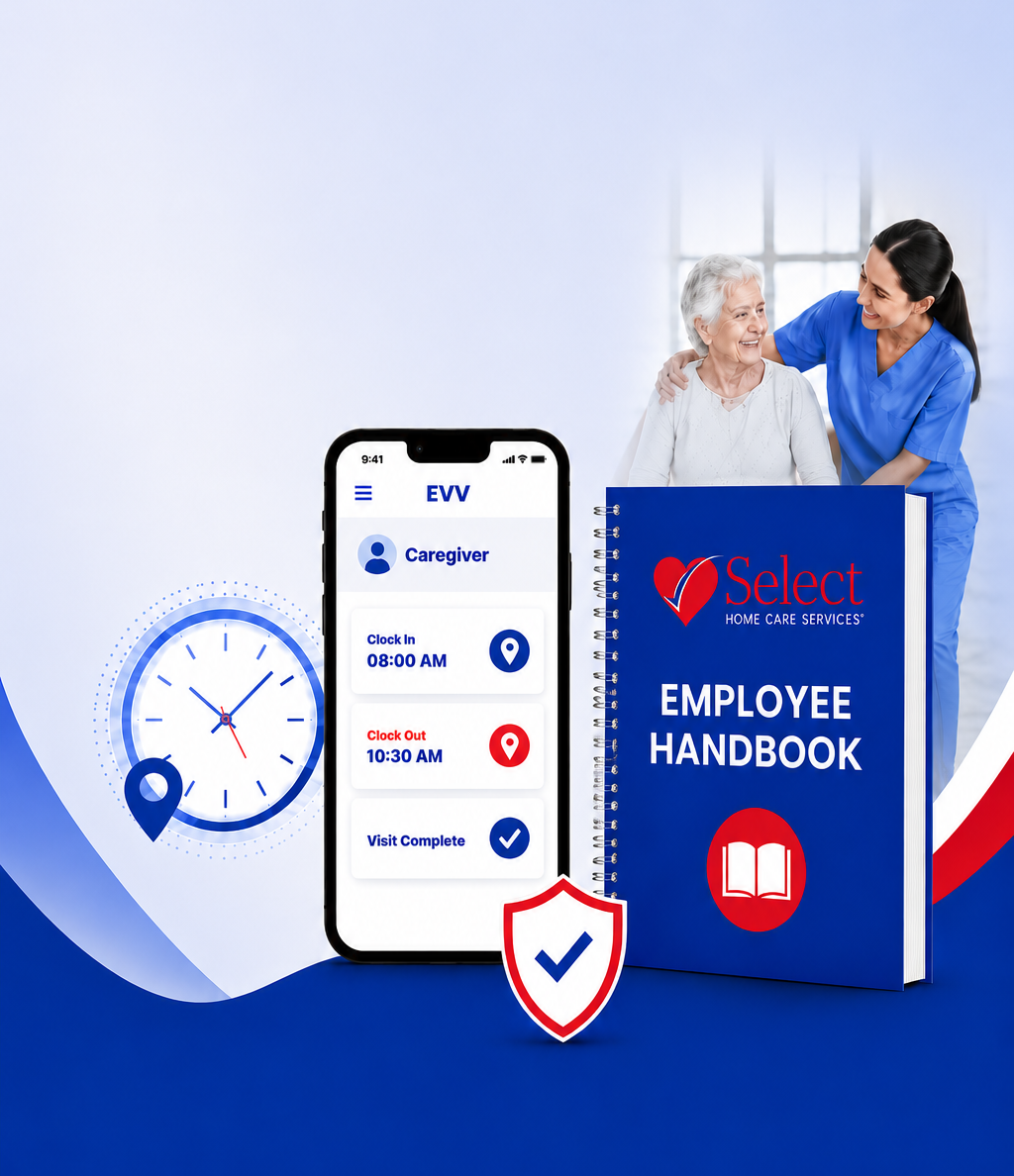
Employee Handbook - Download

Please review the key policies and expectations outlined in the Select Home Care Services Employee Handbook.

Code of Conduct

Maintain professionalism, respect, and integrity in all interactions with clients, families, and staff.

Equal Opportunity

We are an equal opportunity employer. Discrimination or harassment of any kind will not be tolerated.

Attendance & Punctuality

Dependable attendance and on-time arrival are essential to the care we provide

Confidentiality

Protect all client and company information. Do not disclose information to unauthorized individuals

Health & Safety

Follow all safety guidelines and report any accidents, injuries, or unsafe conditions immediately.

Client Care Standards

Provide compassionate, quality care and respect each client's rights, dignity, and preferences.

Work Assignments

Follow your schedule as assigned and notify the office of any changes as soon as possible.

Pay & Payroll

Paydays, deductions, and payroll policies are outlined in the handbook

Communication

Keep open and respectful communication with your supervisor and the office team

Disciplinary Action

Policy violations may result in corrective action up to and including termination.

Questions About EVV or a Missed Punch?

Contact Select Home Care Services before the Timesheet deadline so the office can help you correct the issue.

PHONE

(215) 725-2496

EMAIL

selecthomecareservice@gmail.com

OFFICE

244 W Girard Ave Philadelphia, PA 19123